How to Create a Professional Website?
How to Create a Professional Website?
In this Framer blog, I will demonstrate how you, even as a beginner, can create a website step by step—using Framer as a practical example.

Niklas Hass
Framer Expert & Founder Webnity X | June 2026
Framer Expert & Founder of Webnity X
June 2026
Insights
2 Minuten
Insights
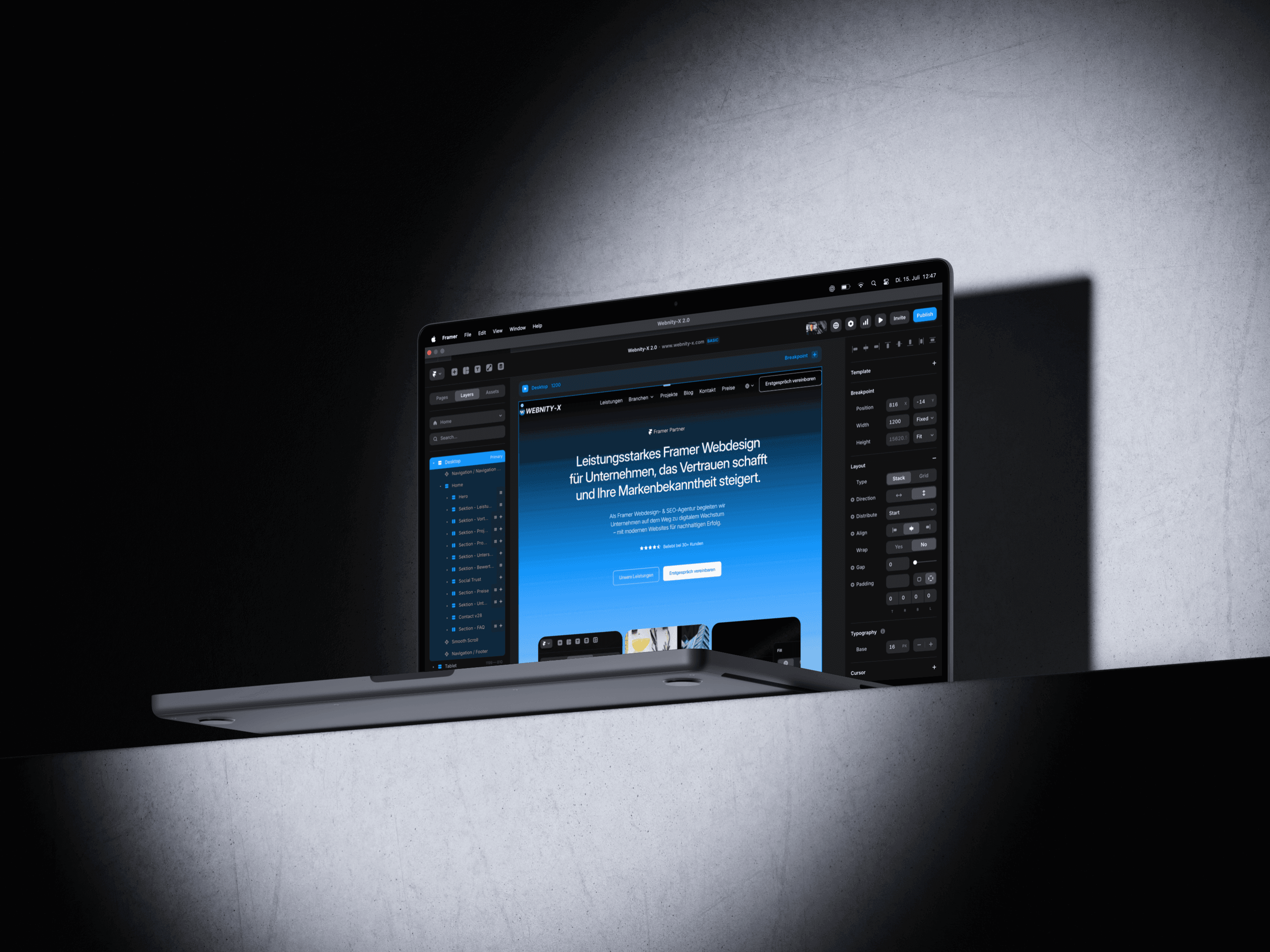
Table of Contents
1. The First Step: Choosing the Right Platform
If you're creating a website for the first time, it can feel overwhelming. However, modern tools like Framer make getting started incredibly easy. Framer is a visual website builder perfect for beginners, yet powerful enough to build professional sites.
2. Selecting a Template
Pre-designed Layouts for Every Industry
The simplest approach: Select a predefined template from the Framer Marketplace that suits your industry. Whether you're in a startup, coaching, or real estate, there's a fitting design ready for you to customize. Colors, text, images—everything can be changed with just a few clicks.
3. Page Structure: Essential Pages for a Good Website
Overview of Typical Content Areas
Home – The homepage with a clear overview and call to action
Services – What do you offer? Showcase your services or products
About Us – Who is behind the company? Build trust
Reviews – Social proof from customer testimonials
Partners or References – Who do you collaborate with?
Contact – A form or button for direct inquiries
Imprint & Privacy Policy – Legally required in Germany
Cookie Banner – GDPR-compliant and mandatory
4. Domain and Hosting
To make your website accessible, you'll need a domain (e.g., www.yourname.com). Providers like Strato, IONOS, or Namecheap offer domains for just a few dollars a month.
Framer automatically handles your site's hosting—so you can focus on other things.
5. Cost Overview
What Does a Website with Framer Cost?
Here is a realistic cost estimate for owning a website with Framer:
Framer Free Plan: Ideal for testing—but no custom domain name
Framer Mini Plan: Approx. $5/month – perfect for personal sites
Framer Basic Plan: Approx. $15/month – ideal for businesses (includes CMS)
Framer Pro Plan: Approx. $30/month – more features & more pages
Conclusion: Your Own Website is Just a Few Steps Away
With a modern tool like Framer, you don't need prior knowledge or a large budget to create a professional website. Choose a template, customize your content, and publish your site in just a few hours—including hosting and a custom domain.
Need assistance with implementation? Email us at info@webnity-x.com or fill out the contact form below.
We're here to help—offering professional Framer websites that not only look great but also perform exceptionally well.
1. The First Step: Choosing the Right Platform
If you're creating a website for the first time, it can feel overwhelming. However, modern tools like Framer make getting started incredibly easy. Framer is a visual website builder perfect for beginners, yet powerful enough to build professional sites.
2. Selecting a Template
Pre-designed Layouts for Every Industry
The simplest approach: Select a predefined template from the Framer Marketplace that suits your industry. Whether you're in a startup, coaching, or real estate, there's a fitting design ready for you to customize. Colors, text, images—everything can be changed with just a few clicks.
3. Page Structure: Essential Pages for a Good Website
Overview of Typical Content Areas
Home – The homepage with a clear overview and call to action
Services – What do you offer? Showcase your services or products
About Us – Who is behind the company? Build trust
Reviews – Social proof from customer testimonials
Partners or References – Who do you collaborate with?
Contact – A form or button for direct inquiries
Imprint & Privacy Policy – Legally required in Germany
Cookie Banner – GDPR-compliant and mandatory
4. Domain and Hosting
To make your website accessible, you'll need a domain (e.g., www.yourname.com). Providers like Strato, IONOS, or Namecheap offer domains for just a few dollars a month.
Framer automatically handles your site's hosting—so you can focus on other things.
5. Cost Overview
What Does a Website with Framer Cost?
Here is a realistic cost estimate for owning a website with Framer:
Framer Free Plan: Ideal for testing—but no custom domain name
Framer Mini Plan: Approx. $5/month – perfect for personal sites
Framer Basic Plan: Approx. $15/month – ideal for businesses (includes CMS)
Framer Pro Plan: Approx. $30/month – more features & more pages
Conclusion: Your Own Website is Just a Few Steps Away
With a modern tool like Framer, you don't need prior knowledge or a large budget to create a professional website. Choose a template, customize your content, and publish your site in just a few hours—including hosting and a custom domain.
Need assistance with implementation? Email us at info@webnity-x.com or fill out the contact form below.
We're here to help—offering professional Framer websites that not only look great but also perform exceptionally well.
Ready to start your premium Framer project with Webnity-X?
Our Framer experts will provide you with comprehensive consulting for your project, transforming your website into a genuine lead-generation powerhouse.





Rated 5.0 from over 25 reviews
Ready to start your premium Framer project with Webnity-X?
Our Framer experts will provide you with comprehensive consulting for your project, transforming your website into a genuine lead-generation powerhouse.
Rated 5.0 from over 25 reviews
Ready to start your premium Framer project with Webnity-X?
Our Framer experts will provide you with comprehensive consulting for your project, transforming your website into a genuine lead-generation powerhouse.
Rated 5.0 from over 25 reviews